

The Built-In Windows Feature That Reads Images
Stop wasting time retyping text from images! Windows 11 can pull the text
Short, plain-English videos on the problems that come up most often — Wi‑Fi, passwords, old PCs, scams and the odd bit of AI. No jargon, no ten‑minute intro.
 Free step-by-step guide
Keyboard dead or screen frozen in Windows 11? Seven quick fixes to try before you force a shutdown with the power button.
Read the guide → Free step-by-step guide
Pull the words straight out of any picture or screenshot in Windows 11 with the built-in Snipping Tool. No apps, no retyping.
Read the guide →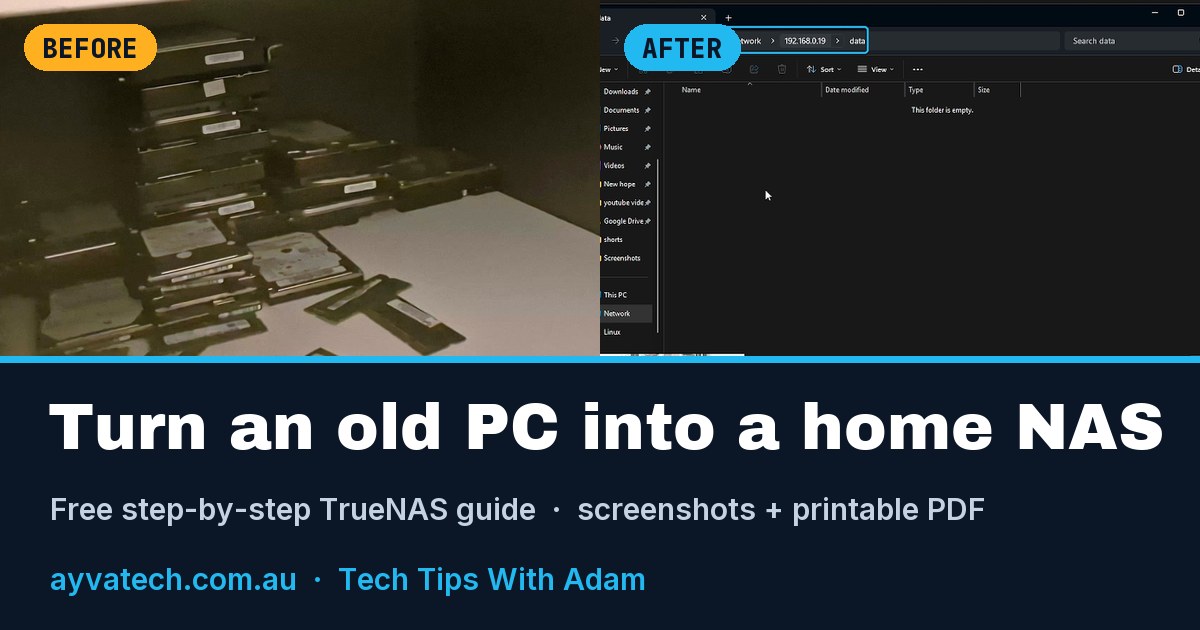 Free step-by-step guide + PDF
Every step from the TrueNAS video, with screenshots from the actual build and a printable PDF you can keep beside you.
Read the guide →Stop wasting time retyping text from images! Windows 11 can pull the text
Is your desktop buried under a pile of windows? Windows 11 has a built-in fix 👇
Copied something and lost it? Windows remembers your last 25 copies.
Frozen app? You don't need Task Manager any more.
Free or paid antivirus? Here's the quick way to decide.
Unlock Windows 11 God Mode in seconds! This hidden Windows feature puts hundreds of Control Panel settings into one easy-to-access folder.
Install Ventoy to a USB, then copy your ISO files onto it. That one USB can become your toolkit for Windows, Linux and recovery media.
That old-PC TrueNAS box can do more than file storage — you can also run Jellyfin and turn it into a media server.
Are VPNs worth paying for? Do VPNs really work, and why are some so expensive?
If Windows feels familiar but you want to try Linux, Zorin OS is designed to feel much closer to the desktop layout you already know.
See which programs are using your network on Windows — without installing anything!
TrueNAS is much more than a shared folder. This install showed hundreds of available apps, plus containers and virtual machines.
Something here not working on your machine? Get in touch and I’ll sort it out.